
 Version française
Teach it your cabinet
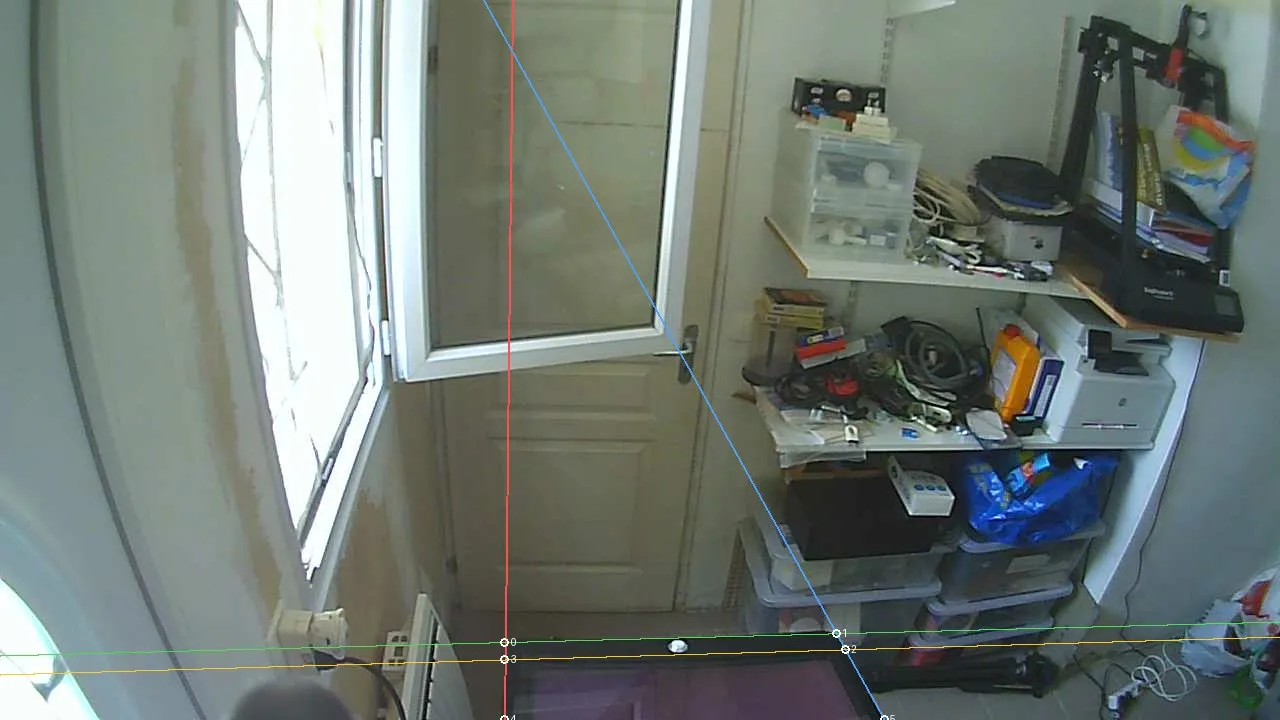
The automatic calibration learns what lockbars and side rails look like from real cabinets: every wood tone, every lighting, every camera angle. It has seen very few so far. This is the project's biggest bottleneck, and anyone with a pincab can help, in two minutes, without coding.
Send a capture
- Download headtracking-demo from the releases page (it is in the same archive as the plugin). Nothing to install.
- Point your webcam or Kinect at the playfield and select it in the demo.
- Click 🎁 Contribute, read the terms, tick the consent box and confirm.
Empty cabinet or mid-game, day or night, every variation helps. The detector learns the cabinet, so you do not need to stand in the picture, but captures with a player at the cabinet are the rarest. Minicabs are exactly the kind of cabinet the model has never seen.
What gets shared
The demo shows everything below in its consent window before anything is sent.
- The images: one image per stream your sensor has (colour, and infrared and depth on a Kinect), with what the detector saw. They show your cabinet and whatever is around it, possibly people and their faces: check the preview before accepting, and only share images you have the right to share.
- A diagnostics log: the app version, your operating system, the sensor model, its USB speed and how many devices share its controller, the frame-rate measurements, your account name, your computer name, and a random id created for this installation, so one cabinet can be followed from one release to the next.
- Sole use: training and improving the head-tracking model. Captures are never published, sold or shared with third parties.
- Storage: uploads go to the maintainer's private, write-only server, without an account. You can also keep your own copy in a folder of your choice.
- Removal: give the exact file name shown after the upload on Discord.
If the upload cannot go through
A firewall, a proxy or an antivirus that intercepts HTTPS can block the upload. The demo says so in red
before you capture, and keeps the capture in a folder it shows on screen. Send that folder on
Discord: it is worth exactly as much as an upload. headtracking-demo --upload-test
tells you in one line whether this computer can reach the server.
Other ways to help
- Annotate photos: trace 4 lines per photo in a browser tool, in tools/anchor. More cabinets make a model that works everywhere.
- Test on Windows or macOS: builds are published for both, and real-world reports are what is missing.
- VPX and pinball players: try the plugin on real tables, and tell us how the point of view feels and what a good cabinet setup needs.
- Rust developers: the VPX plugin, the calibration decoder, the filtering and the mapping to the VPX view.
- Computer vision and machine learning: the head and anchor models, the vanishing-point and homography solver, webcam focal recovery.
No permission needed: open an issue on GitHub or say hi on Discord. CLAUDE.md is a tour of the architecture, and issues labelled good first issue are a soft landing.